How to Digitize Your Medical Practice: A Step-by-Step Guide for Busy Doctors
Going digital doesn't require closing your clinic or hiring IT staff. This step-by-step guide shows busy doctors how to digitize an existing practice without disrupting patient care.

Most doctors who still run on paper aren't skeptical of technology — they're skeptical of disruption. The clinic works today. Patients are seen, records are kept, and the idea of freezing operations for a "digital transformation" while patients wait is rightly unappealing.
So let's be clear about the goal: digitizing an existing practice is not a big-bang project. Done properly, it's a sequence of small steps, each useful on its own, none of which closes your clinic for a day. Here's the sequence.
Step 0: Know what you're digitizing (one afternoon)
List the systems your clinic runs on today, however informal: the appointment diary, patient files, prescription pads, the pharmacy register, the reminder phone calls. For each, note the pain level — where do errors, delays, and complaints actually come from? This list sets your order of attack: digitize the biggest pain first, not everything at once.
For most clinics the ranking is: scheduling and reminders first (immediate, visible wins), patient records second (the core), pharmacy/inventory third (if you dispense), and everything else after.
Step 1: Move the schedule (week one)
The appointment book is the easiest first win. It's self-contained, staff use it dozens of times a day, and going digital pays back instantly: no double-bookings, the whole team sees one live schedule from any device, and automated reminders start cutting your no-show rate from day one.
Practical note: run the paper diary in parallel for one week as a safety net, then stop. A parallel system maintained forever is just double work.
Step 2: Start digital records from a cutoff date (week two onward)
Here's the step where clinics most often overcomplicate things. You do not need to scan your archive. Pick a start date. From that day, every visit is recorded digitally. When an existing patient comes in, spend two extra minutes entering their essential summary — chronic conditions, allergies, current medications — into their new digital record. Their next visit needs no extra time at all.
Since a typical active patient visits within a year, your working patient base digitizes itself within months, one visit at a time, with almost zero dedicated effort. The paper archive stays on its shelf as historical reference, consulted increasingly rarely.
Step 3: Prescribe digitally (same month)
Once records are digital, prescriptions should be too. Typed prescriptions end the legibility problem, build automatically into the patient's history, and — if you run an in-clinic pharmacy — flow directly to dispensing. This single connection removes transcription errors and speeds up your counter noticeably.
Step 4: Connect the pharmacy (if you dispense)
If your clinic dispenses medicines, inventory is where digitization moves from convenience to money: batch and expiry tracking, stock that updates as prescriptions are dispensed, and low-stock alerts replace the register-and-guesswork system. Expiry write-offs and stock-outs both drop within the first quarter.
Step 5: Let patients participate
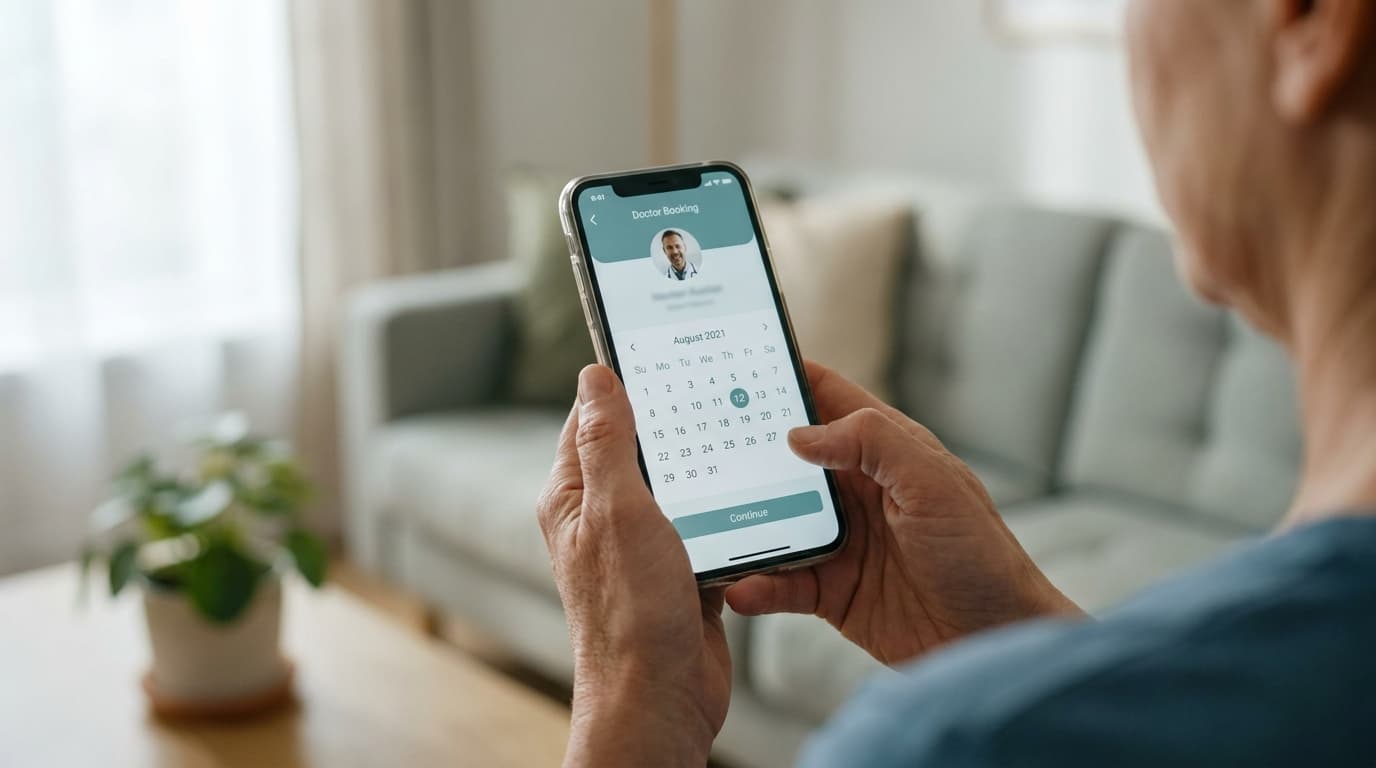
With the core digital, patients can book through your online profile, receive automatic reminders, and view their prescriptions and visit summaries on their phone. This is the stage patients actually notice — and the one that quietly differentiates your practice from the clinic next door.
Choosing the platform: the questions that matter
Skip the feature-comparison spreadsheets. For a small or mid-size practice, five questions decide it:
- Was it built for clinics like mine, or is it hospital software wearing a smaller price tag?
- Can my least technical staff member learn it in a week? Ask for a trial and let them judge.
- Does it cover my whole workflow — scheduling, records, prescriptions, pharmacy, reminders — or will I be stitching tools together?
- Does it work on the devices we already own? You shouldn't need new hardware or an IT hire.
- Is my data safe and mine? Cloud backup, role-based access for staff, and a clear answer on data export.
Clinikly was designed around exactly this checklist — a single platform where doctors, assistants, and patients each get their own view of the same practice, sized and priced for real clinics rather than hospital chains.
What the timeline really looks like
A realistic digitization of a small practice: scheduling live in week one, records started by week three, prescriptions digital within the month, pharmacy connected by month two. No closed days, no IT department, no big bang — just a clinic that works a little better every week, until one day you notice nobody has pulled a paper file in a month.
Ready to modernize your practice?
Clinikly brings appointments, patient records, reminders, and your clinic pharmacy into one clean workflow.
Get Started Free