Clinic Pharmacy Inventory Management: A Complete Beginner's Guide
Running a pharmacy inside your clinic? This guide covers the fundamentals of medical inventory management — stock levels, batches, expiry, suppliers, and the systems that hold it together.

A clinic pharmacy is a genuine convenience for patients and a real revenue line for the practice — right up until inventory management fails. Expired stock quietly eats the margin, popular medicines run out mid-week, and nobody is quite sure what the storeroom actually contains. If that sounds familiar, this guide is for you.
The four questions your inventory system must answer
Strip away the software and jargon, and pharmacy inventory management is the discipline of always being able to answer four questions:
- What do we have? Every product, its quantity, and where it sits.
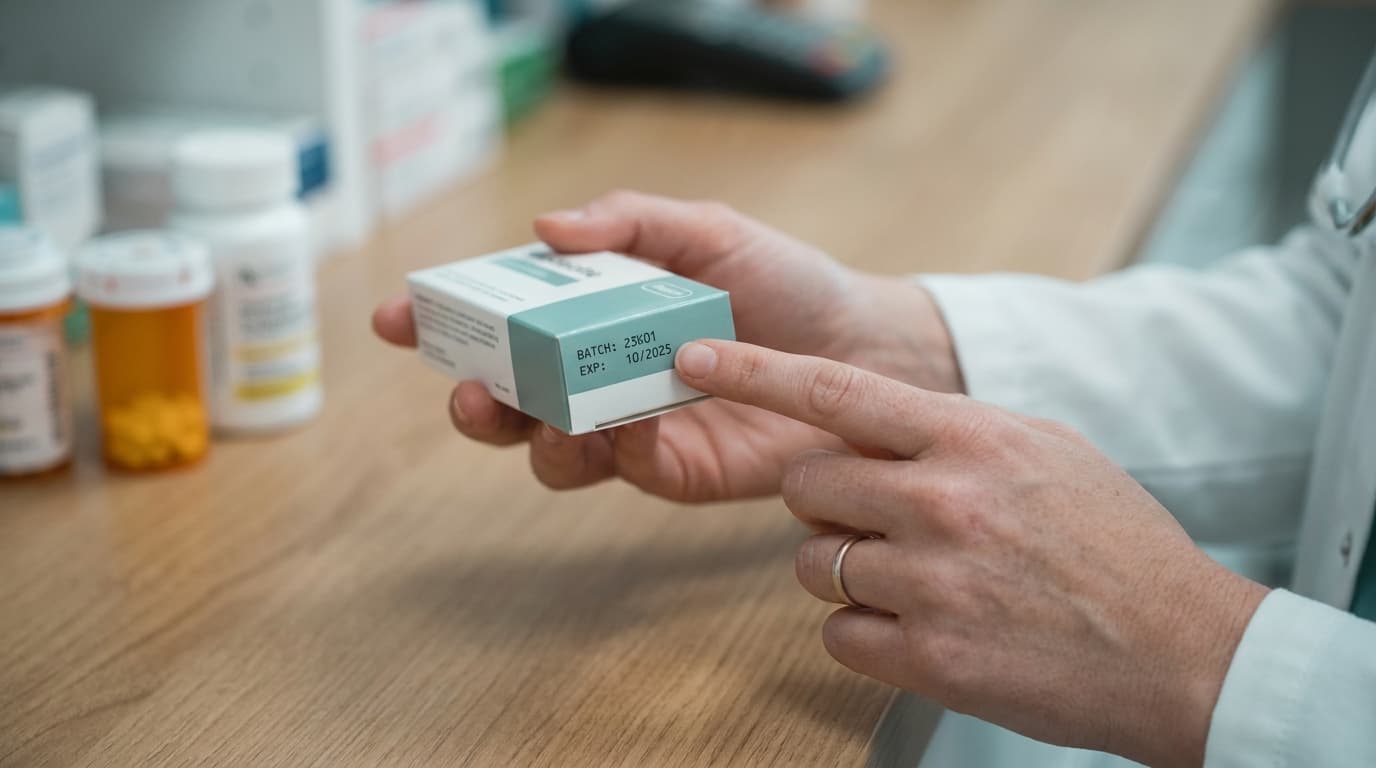
- When does it expire? Per batch — not per product, because the same medicine on your shelf almost always spans multiple batches with different expiry dates.
- When do we reorder? Before running out, but not so early that cash sits on shelves.
- Where did it come from and where did it go? Supplier on the way in, patient/sale on the way out — the audit trail.
If your current setup (a register, a spreadsheet, or memory) can't answer all four quickly, you have gaps that are costing money.
Batches: the concept beginners skip
The most common beginner mistake is tracking medicines as a single quantity: "Amoxicillin 500mg — 240 capsules." In reality those capsules arrived in different purchases, with different expiry dates and possibly different prices. Treating them as one pile means:
- You can't know how much of your stock expires next month
- You can't dispense oldest-first with any confidence
- A batch recall becomes a nightmare of guesswork
Proper systems track at the batch level: each purchase creates a batch with its own quantity, expiry date, and cost. Your total stock is just the sum of live batches.
FEFO: first expired, first out
Retail uses FIFO (first in, first out). Pharmacies use a stricter cousin: FEFO — first expired, first out. Whenever you dispense, you draw from the batch expiring soonest. It's the single habit that most reduces expiry losses, and it's nearly impossible to sustain manually. A system that automatically suggests the right batch at dispensing time turns FEFO from a policy into a default.
Setting reorder levels that actually work
For each product, define two numbers:
- Reorder level — the stock quantity at which you place a new order. A sound starting formula: average daily usage × supplier lead time in days, plus a safety margin of a few days' usage.
- Reorder quantity — how much to buy. Enough to last until well past the next delivery, but bounded by expiry: never order more than you'll plausibly dispense before the product's typical shelf life runs out.
Review these numbers quarterly. Usage changes with seasons — antihistamines, ORS, and antibiotics all have their months.
The supplier side
Good inventory management extends one step upstream. For each supplier, keep a record of what you buy from them, at what price, and how reliably they deliver. This gives you leverage in price negotiations, a fallback list when your primary supplier is out of stock, and clean data when a batch problem needs to be traced back.
Counting: trust, but verify
Even a perfect system drifts from reality — breakage, dispensing errors, and theft all happen. The fix is cycle counting: instead of one giant annual stocktake, count a small slice of your inventory every week (say, one shelf or one category). Over a quarter, everything gets verified, discrepancies surface while they're small, and you never have to close the pharmacy to count.
Spreadsheet or software?
A spreadsheet can hold quantities. What it can't do is warn you that a batch expires in 60 days, decrement stock automatically when a prescription is dispensed, suggest the FEFO batch, or alert you at the reorder level — and it certainly can't do any of that for the assistant on duty while you're consulting.
This is where an integrated system earns its keep. Clinikly's pharmacy module ties inventory directly to your clinical workflow: batches and expiry dates are tracked from purchase, stock updates live as prescriptions are dispensed, and expiry and low-stock alerts arrive before problems do. Your whole team sees the same real-time stock, from any device.
Start here
If you're setting this up for the first time, the order of operations is: catalogue your products, enter current stock as batches with expiry dates, set reorder levels for your top 30 fastest movers, and adopt FEFO at the counter. That's the 20% of effort that captures 80% of the value — the rest is refinement.
Ready to modernize your practice?
Clinikly brings appointments, patient records, reminders, and your clinic pharmacy into one clean workflow.
Get Started Free