Medicine Batch and Expiry Tracking: Why Spreadsheets Fail
Tracking medicine batches and expiry dates in Excel feels workable until it isn't. Here's why spreadsheets break down for pharmacy stock — and what proper batch tracking looks like.
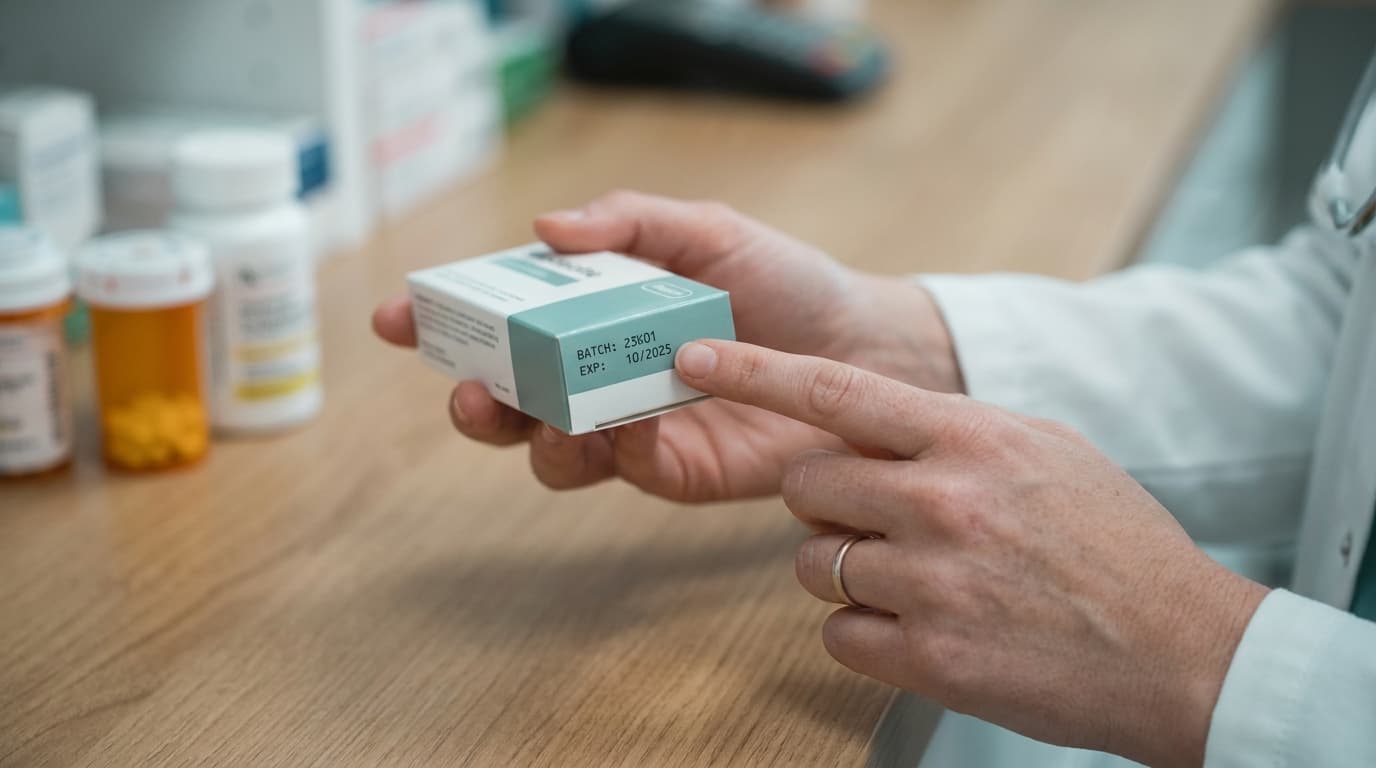
Nearly every clinic pharmacy goes through a spreadsheet phase. It starts sensibly: a sheet with medicine names, quantities, and expiry dates, updated when someone remembers. And for the first few months, with a small product list, it more or less works.
Then one day you find a full, expensive box of expired stock that the sheet said was fine, or a patient is handed medicine from a batch that should have been pulled — and you learn why pharmacies outgrow Excel.
The structural problem: one medicine, many batches
A spreadsheet naturally wants one row per medicine. But pharmacy reality is one row per batch: the same amoxicillin on your shelf came from three purchases, with three expiry dates, possibly at three prices. The moment you model this honestly, your simple sheet explodes into hundreds of rows that must be split, merged, and retired by hand with every purchase and every sale.
Most clinics respond by simplifying — collapsing batches into a single quantity and recording only "the earliest expiry." That single simplification silently breaks everything downstream: you no longer know how much expires when, you can't dispense oldest-first with confidence, and a manufacturer recall of one batch number leaves you unable to say whether you ever stocked it, let alone whom you dispensed it to.
The update problem: spreadsheets don't watch the counter
A spreadsheet is only as current as its last manual edit. But stock changes with every dispensed prescription, every over-the-counter sale, every delivery — dozens of events per day, handled by whoever is at the counter, who is busy with a patient and will "update the sheet later." Later becomes tomorrow; tomorrow becomes a monthly reconciliation that never quite balances.
The failure isn't laziness. It's architecture: the spreadsheet lives outside the workflow. Any system that requires a second, separate action to record what just happened will drift from reality at exactly the pace of your busiest days.
The alerting problem: sheets don't speak up
Even a perfectly maintained spreadsheet is passive. It will not tell you that:
- Three batches worth a significant sum expire within 60 days (time to run a discount or arrange a supplier return)
- Amoxicillin just crossed its reorder level mid-afternoon
- The batch being dispensed right now expired last week
You have to remember to look, apply the right filters, and interpret what you see. Expiry losses rarely come from ignorance — they come from nobody looking during the right window.
The concurrency problem: one file, many hands
Shared spreadsheets and simultaneous editing don't mix. Two staff members updating stock at once produce overwritten rows and conflicting copies ("final_v3_REAL.xlsx"). Locking the file fixes conflicts by creating queues. Neither works at a busy counter.
What proper batch tracking looks like
A purpose-built system inverts every one of these failures:
- Batches are first-class. Each delivery creates a batch with its number, expiry, quantity, and cost. Total stock is computed, never hand-maintained.
- Stock updates as a side effect. Dispensing a prescription or recording a sale decrements the right batch automatically — recording the transaction is the stock update. No second step to forget.
- FEFO by default. At dispensing time, the system offers the batch expiring soonest and refuses expired ones.
- Alerts find you. Expiry warnings arrive 60–90 days out, while returns and discounting are still options. Reorder alerts fire the moment a threshold is crossed.
- Everyone shares one live truth. Doctor, assistant, and pharmacy counter see the same real-time stock from any device, with a full audit trail of who did what.
The cost of staying on Excel
Put rough numbers on it: a small clinic pharmacy writing off even a low single-digit percentage of inventory to expiry is losing real money every year — usually more than the annual cost of software that would prevent it. Add the staff hours spent maintaining and reconciling the sheet, and the spreadsheet is the most expensive "free" tool in the clinic.
Clinikly's pharmacy inventory was built as the direct replacement for that sheet: batch-level tracking with expiry alerts, stock that syncs live with dispensing, and reorder warnings — all connected to the same system that runs your appointments and patient records. The spreadsheet had a good run. Retire it before it costs you another box of expired stock.
Ready to modernize your practice?
Clinikly brings appointments, patient records, reminders, and your clinic pharmacy into one clean workflow.
Get Started Free