Paper vs Digital Patient Records: The Real Cost for Small Clinics
Paper records feel free, but they cost small clinics real money in time, space, errors, and lost continuity. Here's an honest comparison — including when paper still makes sense.
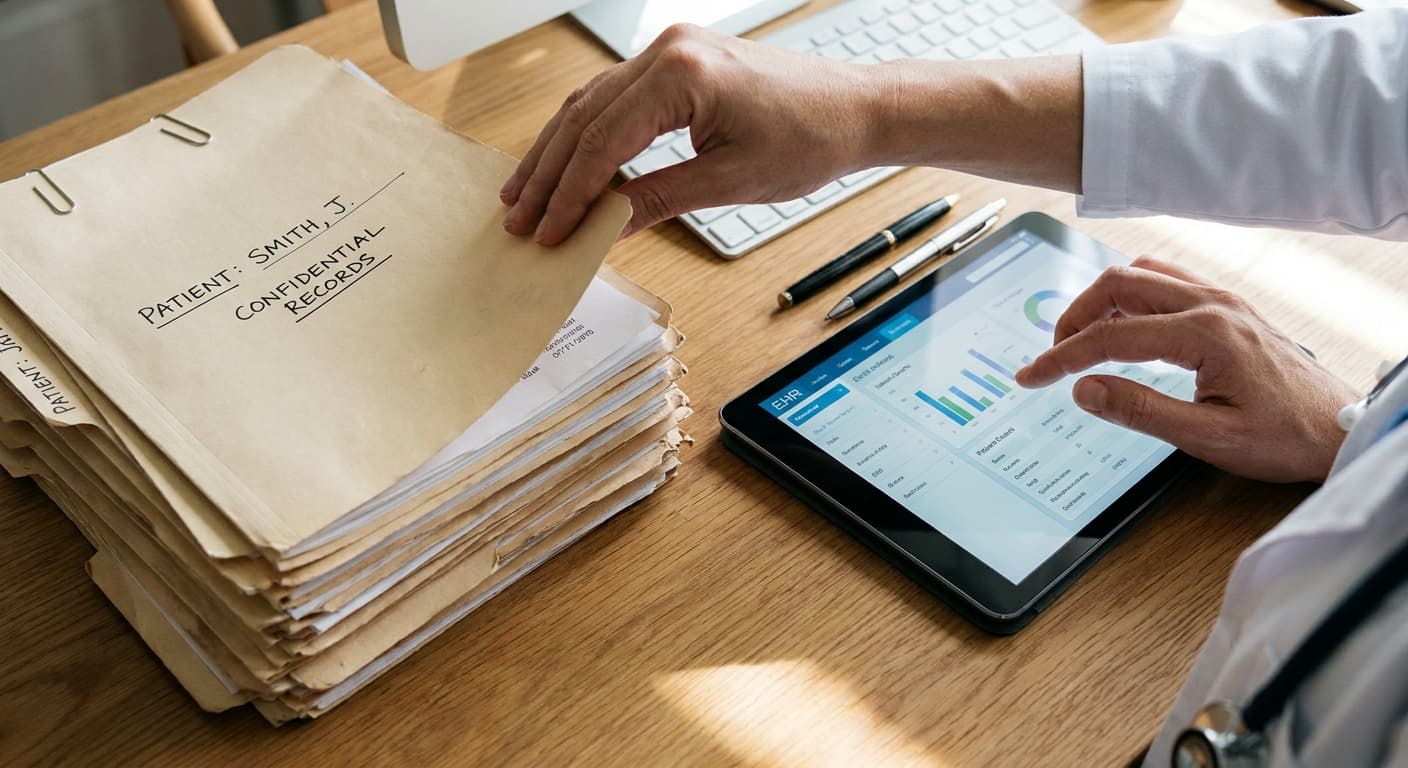
Ask a doctor why their clinic still runs on paper files and you'll usually hear some version of "it works, and it's free." The first half is true — paper does work, and has for a century. The second half is where the math falls apart. Paper records have no software subscription, but they carry costs that never show up on an invoice.
Let's put honest numbers and trade-offs on both sides.
The hidden invoice for paper
Retrieval time. In a busy clinic, staff pull, carry, and re-file dozens of folders a day. At even two to three minutes per retrieval, a clinic seeing 40 patients daily spends well over an hour of staff time just moving paper. Over a year, that's hundreds of hours of salary spent on filing.
Lost and misfiled records. Studies of paper-based practices consistently find that a meaningful fraction of charts can't be located when needed. Every lost chart means repeated history-taking, repeated tests, or clinical decisions made with incomplete information.
Physical space. Records rooms are floor space you rent but can't see patients in. As files accumulate year over year, the space problem only grows — and medical record retention rules mean you can't simply throw old files away.
Illegibility and transcription errors. Handwritten notes and prescriptions remain a well-documented source of medication errors. Every pharmacist phone call to clarify a scribbled prescription is friction for them and risk for your patient.
No continuity. A paper chart lives in one place. If a patient calls after hours, visits while their file is checked out, or sees your colleague, their history is effectively unavailable.
Disaster fragility. One fire, flood, or burst pipe can erase decades of clinical history with no recovery. Paper has no backup.
What digital records actually cost
To be fair, digitizing isn't free either:
- Subscription or license fees for the software
- Transition time — the weeks during which staff work slower while learning
- Data entry for active patients — usually done gradually, entering each patient's summary at their next visit
- Basic hardware — though most modern systems run on the computers and phones a clinic already owns
For a small practice, modern cloud-based systems have collapsed the cost side dramatically. There's no server to buy or IT person to hire; the realistic total is a monthly subscription plus a few weeks of adjustment.
The comparison that matters: a patient visit
Walk one patient through both versions of your clinic.
On paper: the front desk searches for the folder, the patient waits, the doctor flips through pages to find the last visit, writes a new note and a prescription by hand, and the folder goes back to the shelf — hopefully to the right spot. Follow-up depends on someone remembering.
Digital: the patient's record opens by name in seconds, with full visit history, allergies, and past prescriptions in view. The new note and prescription are typed and legible, the follow-up date generates an automatic reminder, and everything is instantly available for the next visit — from any device, by anyone you've authorized.
The difference per visit is a few minutes. Multiplied across every visit, every day, it's the difference between a clinic that runs and a clinic that scrambles.
When paper still makes sense
Honesty requires the other side. Paper remains reasonable if your practice is very small and low-volume, if reliable internet or power is a genuine problem in your area, or if you're within a couple of years of retirement and the transition cost will never pay back. Digital is an investment; investments need a horizon.
If you decide to switch
Three rules make the transition painless:
- Don't back-scan your archive. Start digital from a cutoff date and enter each active patient's summary at their next visit. Within a year, your active patient base is digitized with almost no dedicated effort.
- Run parallel briefly, not forever. A few weeks of paper backup is prudent; six months of double data entry will exhaust your staff and doom the project.
- Pick software built for clinics your size. Hospital-grade systems bury small practices in features they'll never use. A platform like Clinikly is designed for exactly this transition — patient records, appointments, prescriptions, and reminders in one place, simple enough that your team learns it in days rather than months.
Paper isn't evil. It's just expensive in every currency except cash — and once you see the full invoice, the decision usually makes itself.
Ready to modernize your practice?
Clinikly brings appointments, patient records, reminders, and your clinic pharmacy into one clean workflow.
Get Started Free