How to Reduce Patient No-Shows with Automated Appointment Reminders
No-shows drain clinic revenue and waste appointment slots. Learn how automated appointment reminders can cut no-show rates dramatically — and how to set them up right.
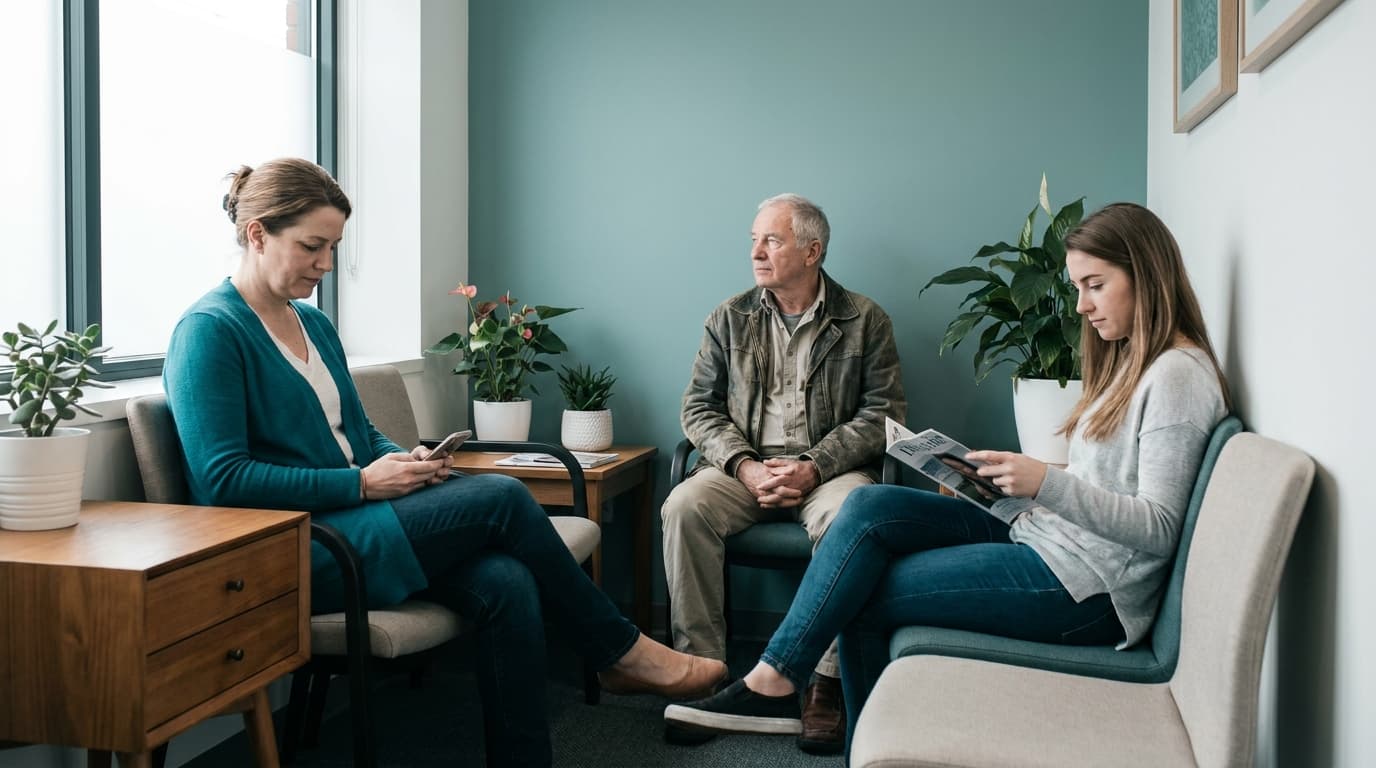
Every empty chair in your waiting room that should have been filled is money your clinic already spent. The staff was scheduled, the room was ready, and the slot could have gone to another patient who needed it. Industry studies consistently put average no-show rates between 15% and 30% for outpatient clinics — and for a doctor seeing 30 patients a day, even a 15% no-show rate means four to five wasted slots daily.
The good news: no-shows are one of the most fixable problems in practice management, and the single most effective fix is the automated appointment reminder.
Why patients actually miss appointments
Before fixing the problem, it helps to understand it. When clinics survey patients who missed appointments, the same reasons come up again and again:
- They simply forgot. This is the most common reason by far, especially for appointments booked more than a week in advance.
- They couldn't reach the clinic to cancel. Patients who knew they couldn't make it had no easy way to say so, so the slot went unused instead of being rebooked.
- They were unsure about details. Wrong day, wrong time, wrong location — small confusions that a reminder would have caught.
- The appointment no longer felt necessary. Symptoms improved and nobody followed up to confirm.
Notice that none of these reasons are about bad patients. They are about missing communication — which means the clinic can fix them.
What automated reminders change
A well-timed reminder attacks every one of those causes at once. It refreshes the patient's memory, restates the exact date and time, and gives them a low-friction way to confirm or cancel. Clinics that move from no reminders to automated reminders routinely report no-show reductions of 30–50%.
The word automated matters. Many clinics already do reminders — an assistant spends an hour every afternoon calling tomorrow's patients. That works, but it doesn't scale, it stops happening on busy days, and it only covers a single touchpoint. Automation makes reminders consistent, free of staff time, and multi-step.
The reminder schedule that works
One reminder is good; a short sequence is better. A schedule that performs well for most clinics:
- Immediately after booking — a confirmation message with the date, time, doctor's name, and location. This catches booking errors on day one.
- 48 hours before — the main reminder. This is far enough out that a patient who needs to cancel still leaves you time to fill the slot.
- A few hours before — a short same-day nudge for the forgetful.
Keep the message itself simple: who, when, where, and what to do if they can't make it. A reminder that requires the patient to log in somewhere or call a busy phone line to respond will be ignored.
Make cancelling easy — yes, really
It sounds backwards, but making cancellation effortless reduces lost revenue. A cancellation you learn about 48 hours in advance is a slot you can rebook; a silent no-show is not. Your reminder should always include a clear way to cancel or reschedule, and your booking system should immediately surface the freed slot so front-desk staff (or a waitlist) can fill it.
Track your no-show rate like a vital sign
You can't improve what you don't measure. Your practice management system should tell you, at a glance:
- Your no-show rate per week and per month
- Which appointment types and time slots no-show most (Monday mornings and post-lunch slots are common offenders)
- Which patients have a pattern of missing appointments
With that data you can make targeted policy decisions — double-booking historically weak slots, requiring confirmation for repeat offenders, or adjusting how far in advance you allow bookings.
Where Clinikly fits
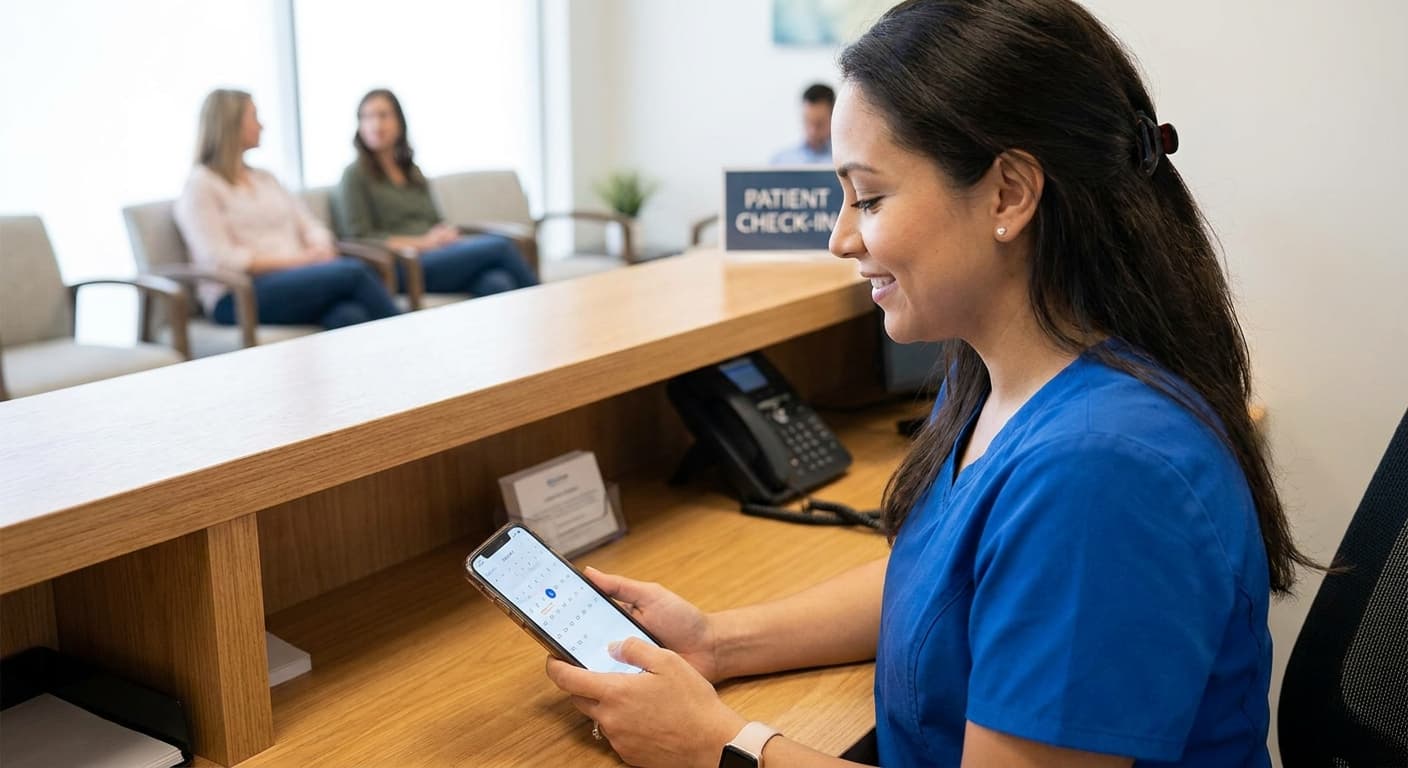
Clinikly was built for exactly this workflow. Appointments booked in your clinic automatically generate confirmations and reminders to patients, patients can confirm or cancel from their phone, and your assistant sees freed slots in real time so they can be rebooked instead of wasted. No spreadsheets, no afternoon phone-call marathons — just fewer empty chairs.
Reducing no-shows is rarely about one dramatic change. It's about making remembering effortless for the patient and making the follow-up automatic for the clinic. Get those two right, and the empty-chair problem largely solves itself.
Ready to modernize your practice?
Clinikly brings appointments, patient records, reminders, and your clinic pharmacy into one clean workflow.
Get Started Free